Skip to content
lgogacir Live / Mobile
LIVE LOBBY

lgogacir — Account, Games, and Support in One Place

Slots from CQ9 and Pragmatic Play, live tables, and football sportsbook are all inside the lobby — reachable via DANA, OVO, or GoPay from any mobile connection in supported Indonesia regions, where local law permits.

DANA OVO GoPay
Browse games
CONTENT / 01

Slot Rooms and Live Tables Worth Knowing

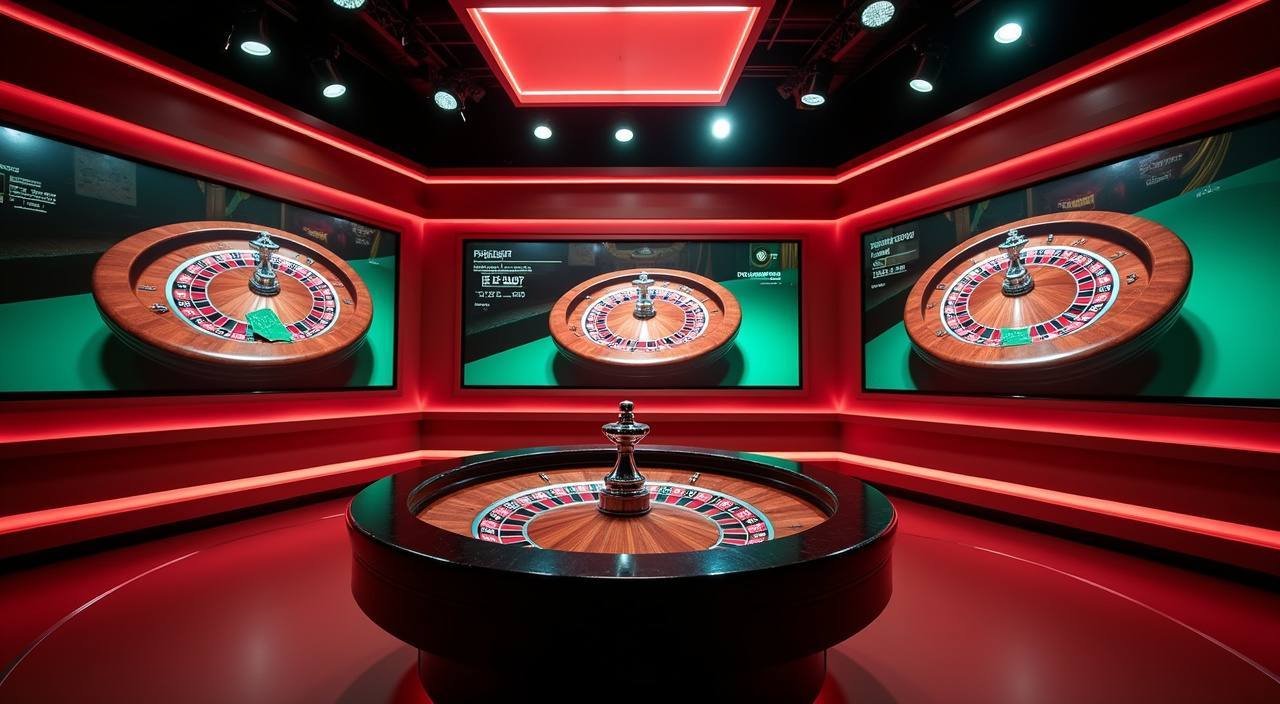
Neon City Slots and Crash Fast Lift are among the titles members return to most — the former runs standard reel mechanics with prize-style bonus rounds, the latter is a crash-format game where you set your own exit point. Auto Roulette Live runs around the clock on the live casino floor with a real dealer feed. Fishing War Mobile Play is built for portrait-mode sessions and loads without switching networks.

  • Neon City Slots

    A video slot from the catalogue with prize-symbol bonus rounds and a standard reel layout. RTP is shown in the game info panel where the provider publishes it. Load it from the slots category on the left nav after login.

  • Crash Fast Lift

    A crash-format game where the multiplier climbs until it stops — you cash out before it ends. Round history is visible in the game panel so you can see how recent rounds resolved before you start.

  • Auto Roulette Live

    A live dealer roulette table with an automated wheel and a real-time video feed. Bet types follow standard roulette rules. Available in the live casino tab; table limits are shown on the lobby card before you join.

DISCOVER / 01

Choose your game

Full lobby
CONTENT / 02

Games We Get Asked About Most

The lobby covers slots, live casino tables, and a sportsbook with football markets — including Liga 1 and European fixtures. Crash games and fishing titles sit alongside table games so you can move between categories without leaving the page. Game cards are drawn from our live catalogue; what you see after login reflects what is currently available in your region.

FOOTBALL AND SPORTSBOOK

Champions League Mix Parlay and Liga 1 Markets

The sportsbook foregrounds football — Liga 1 fixtures and European competitions including Champions League Mix Parlay and Futsal League Bet are in the sports tab. Mix parlay lets you combine multiple match selections into one bet slip; the payout multiplier scales with the number of legs and the odds of each. Odds are set by the sportsbook engine and update in real time as markets move — we do not publish fixed-odds guarantees or predicted results. To find the current market, open the sports tab after login, select football, and browse active fixtures.

  • Champions League Mix Parlay

    Combine European football selections across multiple matches into one parlay slip. Odds multiply across legs — the more selections, the higher the potential return, and the higher the combined risk. Current markets are shown in the sports tab under football after login.

  • Futsal League Bet

    Futsal markets sit alongside the main football tab. Match odds update live; the bet slip is the same interface as the main sportsbook. Check the fixture list in the sports section for currently available matches.

  • Liga 1 Coverage

    Indonesian league football is listed under the football category in the sportsbook. Home and away odds, draw markets, and selected specials appear where the data provider has them active. Fixture availability depends on the match calendar.

GAME NETWORK
CQ9
Habanero
Pragmatic Play
PG Soft
CONTENT / 04

lgogacir lobby studios

The lgogacir lobby carries content from four studios: CQ9 leads crash and fishing titles; Habanero supplies classic and video slots; PG Soft focuses on mobile-first slot designs; Pragmatic Play provides the live dealer feed including Auto Roulette Live as well as a wide slots catalogue. To check the rules or features of a specific game, open that game card or the published information panel.

  • CQ9

  • Habanero

  • Pragmatic Play

  • PG Soft

ACCOUNT DASHBOARD

What Is Shown in Your Account After Login

After login, your account dashboard shows your current wallet balance, transaction history with timestamps, and any active account status. The current state of offers or adjustments applied to your account is shown in the dashboard — not announced in advance on this page, because what appears there depends on your account tier and activity, which varies per member. To see what is running for your account right now, log in and open the dashboard.

  • Wallet Balance

    Your current balance is shown at the top of the dashboard immediately after login. Deposits made via DANA, OVO, or GoPay are reflected in the balance once the transaction clears. The exact timing is shown in the transaction record attached to each deposit entry.

  • Transaction History

    Every deposit and withdrawal is logged with a timestamp and a status. You can scroll the full history from the account page. If a transaction shows pending, the status updates automatically — refresh the page or check back via the app.

  • Account Status

    Your account tier and any applied conditions are visible in the profile section of the dashboard. Changes to account status are logged with a date. If you have questions about your current status, the support team can pull the same record you see.

Login
LGOGACIR
Mobile casino lobby
Popular Live Slots
Auto Roulette Live Champions League Mix Parlay Futsal League Bet
MOBILE LOBBY

Built for phones, clear on desktop

Cards, tables, FAQ and policy pages stay easy to read on smaller screens.

  • Quick categories
  • Mobile first
  • Access
App
CONTENT / 03

Using lgogacir on Your Phone

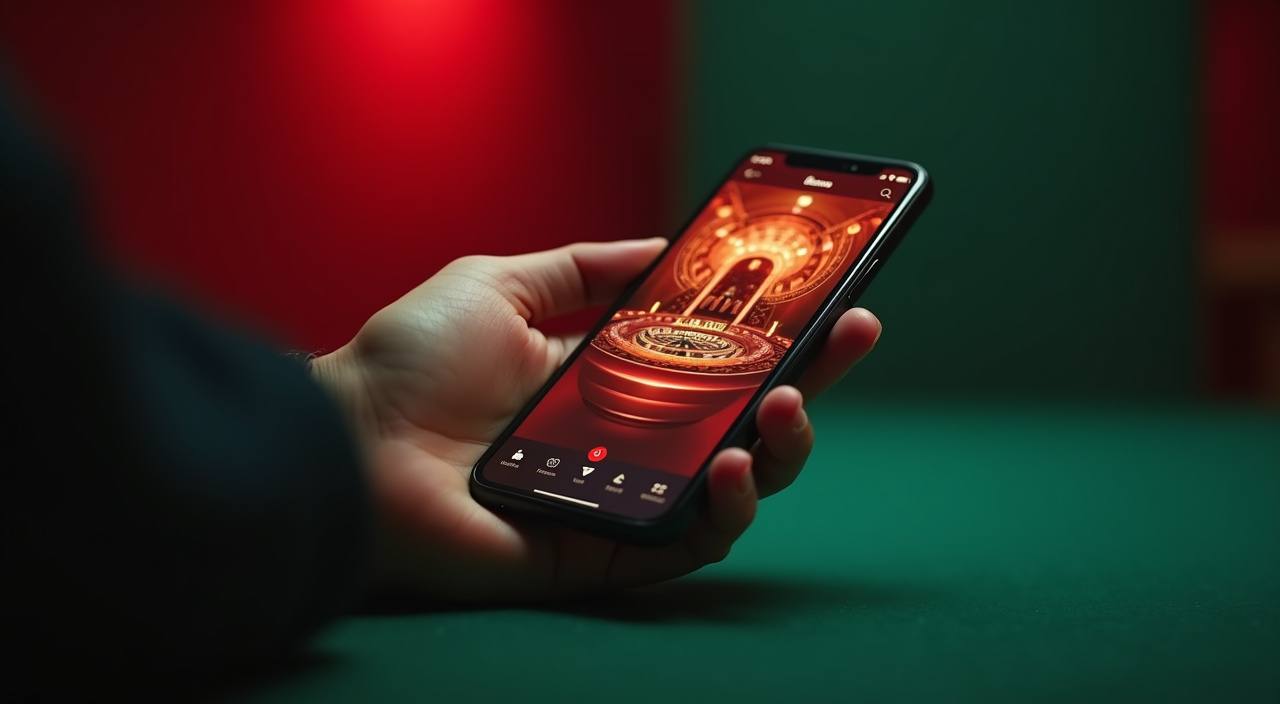
The lobby is sized for mobile screens — the navigation rail collapses to a bottom tab bar on portrait mode, and game cards reflow to a single column so you are not pinching to tap. Crash Fast Lift and Fishing War Mobile Play are particularly well-suited to short mobile sessions: both load quickly on a standard mobile connection and do not require landscape orientation.

  • Mobile Navigation

    The bottom tab bar on mobile gives you direct access to slots, live casino, sportsbook, your wallet, and support. Switching between sections does not reset your open game or your bet slip, so you can check your balance mid-session without closing the table.

  • GoPay and OVO on Mobile

    When you initiate a deposit via GoPay or OVO, the payment confirmation opens in the respective wallet app and returns you to the lobby after approval. Transaction status updates in your account history within the same session.

  • Live Tables on Mobile

    Auto Roulette Live and other live dealer tables stream on mobile at a resolution the platform adjusts to your connection. The bet panel is positioned at the bottom of the screen for one-thumb access on portrait mode.

LOCAL PAYMENTS

DANA, OVO, and GoPay — Verified for Indonesia

Deposits and withdrawals run through DANA, OVO, and GoPay — the three e-wallet rails we have confirmed for Indonesia members. To deposit, go to the cashier section after login, select your wallet, enter the amount within the limits shown on that page, and complete the confirmation in your wallet app. Withdrawal requests follow the same wallet selection; the amount is sent back to the wallet you used to deposit unless you update the destination in account settings.

  • DANA

    Select DANA in the cashier to deposit or withdraw. Enter the amount, confirm in the DANA app, and the transaction record appears in your account history with a timestamp. Minimum and maximum amounts are shown on the cashier page before you confirm.

  • OVO

    OVO deposits and withdrawals follow the same cashier flow. After you confirm in the OVO app, the transaction status updates in your account history. If the status stays pending, contact support with the transaction ID shown in your history.

  • GoPay

    GoPay is available for both deposit and withdrawal. The confirmation step opens the GoPay interface; once approved, the amount is reflected in your wallet balance. GoPay transaction records include the reference number from GoPay's own confirmation screen.

Banking
ACCOUNT PATH

How to Open an Account and Reach the Lobby

Opening an account takes a few minutes from any device. Go to lgogacir and select the account-creation option — you will be asked for a username, a valid email address, and a password. After submitting, a confirmation is sent to your email; follow the link to activate. Once active, log in and go to the cashier to connect your preferred e-wallet — DANA, OVO, or GoPay. Set the deposit amount within the limits shown, confirm in your wallet app, and the balance appears in your account.

  1. Create Your Account

    Open lgogacir and select the account creation link. Fill in your username, email, and password, then submit. A confirmation email arrives shortly — click the activation link to complete registration.

  2. Verify and Log In

    After email verification, log in with your credentials. Your account dashboard opens immediately, showing your wallet balance at zero and an empty transaction history ready for your first deposit.

  3. Connect Your E-Wallet

    Go to the cashier section in your account. Select DANA, OVO, or GoPay, enter a deposit amount within the limits shown on that page, and confirm the transfer in your wallet app. Your balance updates once the transaction clears.

  4. Open the Lobby

    With your balance active, head to the lobby. Slots, live casino, and the sportsbook are in the top navigation. Use the studio filter to find CQ9, Habanero, PG Soft, or Pragmatic Play titles directly.

MEMBER DESK / 06

Offers, support and account controls

01

Game lobby

02

Payment guide

03

Support

TRUST / 03

How to Reach the lgogacir Support Team

Support is available by live chat and contact form. Live chat is accessible from the login page and from inside your account — you do not need to be logged in to start a conversation, which matters if you are locked out or have a login question.

  • Live Chat

    Start a chat from the login page or from inside your account. No login is required to open the chat widget, so it works for locked-out accounts and login questions. For payment queries, share the transaction ID from your account history so the team can check the record directly.

  • Contact Form

    The contact form is in the Help section after login. Use it for issues that need a written trail — transaction disputes, account verification questions, or anything you want documented. Include your account username and the relevant transaction ID where applicable.

  • Account Help Centre

    The Help section in your account covers common account actions: updating your e-wallet destination, checking transaction status, and reviewing account conditions. Browse it before contacting support — many routine questions have step-by-step answers there.

Learn more →
ACCOUNT CONTROLS

Account Transparency and Member Controls

Your account is the primary tool for managing your activity on lgogacir. Transaction history gives you a timestamped record of every deposit and withdrawal, so you can review your spend at any point. Account settings let you update your e-wallet destination, review your current status, and manage login credentials. If you want to take a break or limit your activity, the account settings section is where those controls live — the exact options available depend on your account configuration and are shown inside the dashboard.

  • Transaction Records

    Every deposit and withdrawal appears in your account history with a timestamp, amount, payment method, and status. Records are available from the moment a transaction is submitted and update as the status changes from pending to confirmed. You can use this history to reconcile your own records at any time.

  • Account Settings

    Username, password, and e-wallet destination are all editable from the account settings page. Changes to your withdrawal destination take effect on your next transaction. If you update your linked wallet, the new detail is shown in the cashier the next time you open it.

  • Activity Review

    Your dashboard shows current wallet balance alongside a filterable transaction log. Filter by date or transaction type to review a specific period. If a line item is unclear, contact support with the transaction ID shown next to the entry — the team can explain the source and confirm the amount.

  • Access and Eligibility

    All features on lgogacir are available only where local law permits. Your account is configured for the eligible regions at the time of registration. If your access to specific games or payment rails changes, the dashboard reflects the current state of your account.

PLAYER INDEX / 07

Quick Reference for Common Account and Game Terms

Short definitions for the words you will see most often in the lobby, cashier, and account settings — written the way they appear on the platform rather than as formal definitions.

Player guide and glossary
  • What is a mix parlay bet?

    A mix parlay combines two or more match selections into a single bet. All selections must be correct for the bet to pay out. The odds from each leg multiply together, which raises the potential return compared to single-match bets — and also raises the combined risk if any one leg is wrong. The bet slip in the sportsbook shows the running combined odds as you add each selection.

  • What does 'bonus round' mean in a slot game?

    A bonus round is a game mechanic built into the slot by the studio — it is part of how the game works, not a platform offer. It typically triggers when specific symbols land in a required pattern. During a bonus round the game may run slot feature notes, a pick-screen, or a multiplier phase depending on what the studio designed. The game rules panel explains how the bonus round triggers for each specific title.

  • What is RTP and where do I find it?

    RTP stands for Return to Player and represents the theoretical percentage of wagers a slot returns over a very large number of spins. It is a long-run statistical property of the game engine, not a session or daily return. We show RTP only where the studio publishes it inside the game information panel. If no figure appears, the studio has not made it available for that title.

  • What is a crash game?

    A crash game runs a multiplier that climbs from the start of each round and stops at a random point. You place a bet before the round starts and choose when to cash out while the multiplier is rising. If you cash out before it crashes, your bet is multiplied by the value at the moment you cashed out. If the game crashes before you cash out, the round is lost. Crash Fast Lift follows this format — previous round results are shown in the game panel.

  • What does 'pending' mean in my transaction history?

    Pending means the transaction has been submitted and is waiting for the payment rail to confirm the transfer. For DANA, OVO, and GoPay transactions, pending usually resolves once the wallet confirms the transfer on its side. The status updates automatically in your history. If a transaction stays pending longer than the rail normally takes, contact support with the transaction ID shown in your history.

  • Can I use multiple e-wallets on one account?

    Your account can have a primary e-wallet set for withdrawals in the cashier settings. Deposit transactions are tied to whichever wallet you use at the time of the deposit. To change your withdrawal destination, update it in account settings before requesting a withdrawal. The cashier will show the current linked wallet before you confirm any transaction.

  • What happens if I forget my login password?

    Use the password reset link on the login page. A reset link is sent to the email address registered to your account. Follow the link, set a new password, and log in. If the email does not arrive, check your spam folder. If your email address has changed since registration or you cannot access the inbox, contact support by live chat from the login page — they can verify your identity through the account details on file.

Full glossary
LOBBY / 02

One mobile lobby, distinct game areas

Auto Roulette Live Live Auto Roulette Live Access → Champions League Mix Parlay Slots Champions League Mix Parlay Access → Futsal League Bet Sports Futsal League Bet Access → Crash Fast Lift Slots Crash Fast Lift Access → Fishing War Mobile Play Slots Fishing War Mobile Play Access → Neon City Slots Slots Neon City Slots Access →
EXPLORE FURTHER / 04

Explore detailed guides

Local lobby check

QUICK ANSWERS

Frequently asked questions

Answers to the practical questions members ask when setting up their account, making a first deposit, or navigating the lobby for the first time.

Read FAQ →
How do I deposit using DANA?

Log in and go to the cashier section. Select DANA as your deposit method, enter the amount — the minimum and maximum are shown on the cashier page — and confirm. The DANA app opens for approval; once you approve, the transaction appears in your account history with a pending status that updates to confirmed when the transfer clears. If it stays pending, contact support with the transaction ID from your history.

Which game studios are available in the lobby?

The lobby carries content from four studios: CQ9, Habanero, PG Soft, and Pragmatic Play. You can filter by studio in the lobby after login. CQ9 covers crash and fishing formats alongside slots; Habanero supplies video and classic slots; PG Soft focuses on mobile-first slot designs; Pragmatic Play provides slot titles and the live dealer feed including Auto Roulette Live.

Is the site available on mobile without downloading an app?

Yes. Open lgogacir in your mobile browser and the full lobby loads — slots, live casino, sportsbook, and your account controls are all accessible. No separate installation is needed. GoPay and OVO confirmations open in their respective apps and return you to the session automatically. Availability of the site depends on local law and eligible regions.

How do I check if my withdrawal has been processed?

Go to the transaction history in your account. Every withdrawal request is listed with a timestamp and a current status. When the withdrawal clears, the status changes from pending to confirmed and the amount reflects the wallet transfer. The transaction ID in your history is the reference you need if you want to follow up with support or verify the transfer on the GoPay, OVO, or DANA side.

What games are available in the live casino?

The live casino tab includes Auto Roulette Live on the Pragmatic Play feed along with other live dealer table games. Table limits are shown on each lobby card before you join a table. The live casino is accessible from both desktop and mobile. Availability of specific tables depends on the time of day and the provider's live schedule — the lobby card will show if a table is open or temporarily closed.

How do I contact support if I cannot log in?

Start a live chat directly from the login page — you do not need to be inside your account to open the chat widget. Describe your issue, and the support team can verify your identity through your account details and help you reset access. For a written record of the interaction, use the contact form accessible from the Help link on the login page.

Where do I find my account transaction ID?

Open your account and go to the transaction history section. Each transaction entry shows the amount, payment method, timestamp, status, and a transaction ID. That ID is the reference you need when contacting support about a specific deposit or withdrawal. Copy it before starting a chat or submitting a form so the team can pull the exact record quickly.

READY WHEN YOU ARE

lgogacir game lobby

Access may be available only where local law permits.

Register Login